
TRANSFORMATION READINESS SPRINT
Thank you for your interest in understanding how Arqvera helped Cura Terrae.


HERE IS YOUR CASE STUDY

1. Downloading Your PDF
To ensure your file saves correctly to your computer:
- Desktop: Click the download icon (usually an arrow pointing down $\downarrow$) in the top-right corner of your browser. Choose a folder you’ll remember, like "Desktop" or "Documents."
- Mobile: Tap the link. On iOS, tap the Share icon and select "Save to Files." On Android, check your Downloads app.
2. Getting Adobe Acrobat Reader
While many browsers can "show" a PDF, Adobe Acrobat Reader is the industry standard for viewing and printing documents, and filling out forms.
- Where to get it: Visit the Official Adobe Download Page.
- Is it free? Yes! The standard "Reader" version is free.
- Installation: Run the downloaded
.exe(Windows) or.dmg(Mac) file and follow the on-screen prompts.
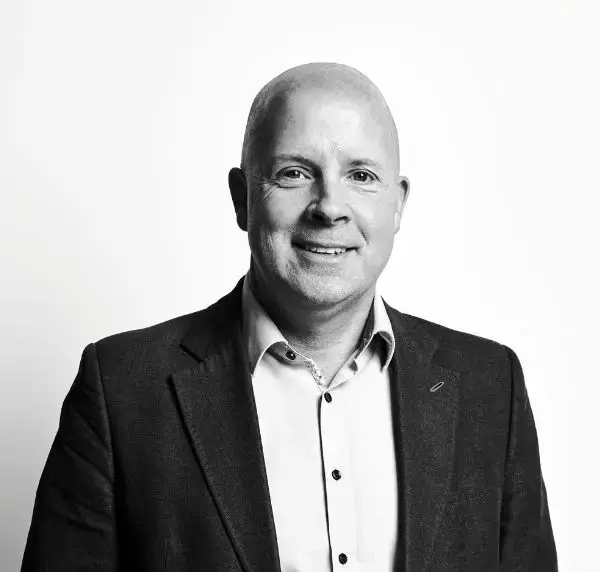
Nick Dilworth
Cura Terrae, Group Chief Executive Officer
"The team at Arqvera were a breath of fresh air compared to other consultants I’ve worked with in recent years. They engaged effectively from the outset, taking a collaborative rather than pushy approach, and relied on their strong pedigree and experience to build a productive partnership with the team at Cura Terrae.
I greatly valued their input and would highly recommend them to anyone seeking a credible partner with a straightforward, no-nonsense approach"
Assess your own readiness before you say 'go'
If your organisation is considering a significant change but key assumptions, ownership, or delivery confidence still feel unsettled, our readiness self evaluation can help you identify challenges before they become programme risk.